Get Your TV Ready for Fall Movie Nights: 10 Easy Setup Tips
Fall is one of the best times to spend an evening in front of the TV.
The nights arrive earlier, the weather gets cooler and October brings plenty of reasons to plan a movie marathon, family TV night or Halloween weekend at home.
But before you make the popcorn and grab the blankets, it's worth spending a few minutes on your TV setup.
A few simple changes can improve the picture, reduce interruptions and make your living room feel much more like a home cinema.
Here are ten easy ways to get your TV ready for fall movie nights.
1. Start With the Right Picture Mode
The first thing to check is your TV's picture mode.
Many televisions arrive with bright settings designed to stand out in a store. Those settings aren't always ideal for watching a movie in a darker living room.
Look in your TV's picture menu for options such as Movie, Cinema or Filmmaker Mode.
These modes generally aim for a more natural-looking picture.
If you're unsure where to begin, TV Screen Guide's TV picture settings guide explains the main adjustments you can make in about ten minutes.
Don't worry about changing every advanced setting. Starting with the right picture mode can already make a noticeable difference.
2. Match the Screen Brightness to Your Room
Your perfect daytime TV settings may not be comfortable at night.
A very bright screen in a dark living room can be distracting, while a screen that's too dim can make dark movie scenes difficult to see.
When you're preparing for an evening movie, lower the room lighting first and then adjust the TV.
The goal isn't to make the screen as bright as possible.
You want enough brightness to see detail comfortably without turning the television into the brightest object in the house.
3. Turn Down the Overhead Lights
Your television isn't the only thing that affects movie-night picture quality.
The room matters too.
Instead of watching under a bright ceiling light, try using a small table lamp, floor lamp or subtle lighting behind or beside the television.
During fall, warm lighting works particularly well.
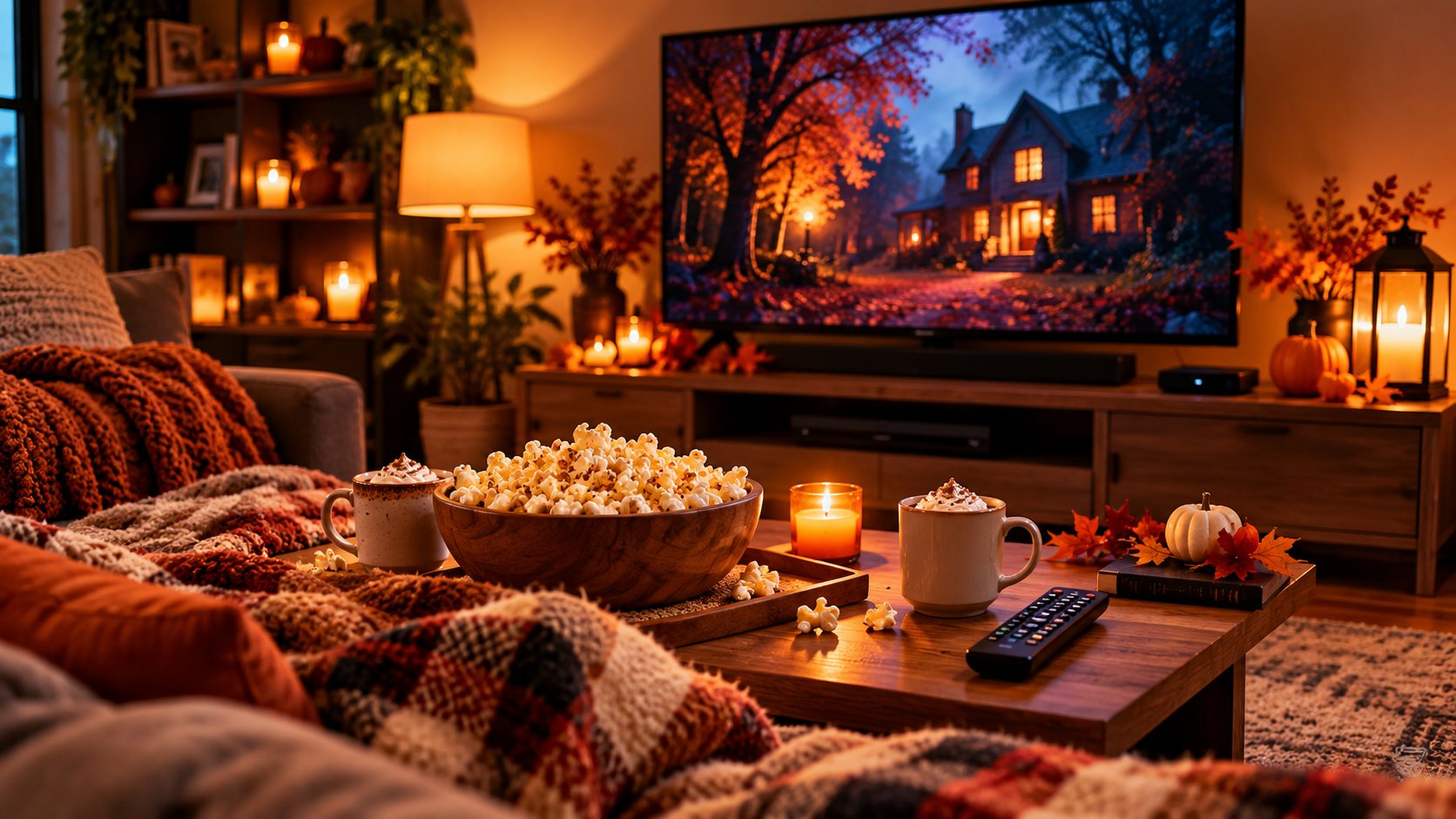
Add a couple of blankets, autumn-colored cushions and perhaps a small pumpkin or two, and your normal living room can feel very different without a major makeover.
Just avoid placing a bright lamp where it creates a reflection directly on the screen.
4. Check Your Streaming Quality
A great television can't make a low-quality stream look perfect.
Before movie night begins, check that your streaming app and device are using the appropriate video quality for your television and internet connection.
If you have a 4K television and compatible service, make sure your streaming device is actually outputting the correct resolution.
If the picture suddenly becomes blurry during a movie, the problem may be your internet connection rather than your television settings.
Testing everything before people sit down can save a lot of frustration later.
5. Give an Older TV a Second Life
You don't necessarily need to replace an older television just because its built-in apps are slow or outdated.
If the TV has an HDMI port, an external streaming device can add modern streaming apps and a newer interface.
Before buying anything, check your television's available ports and resolution.
TV Screen Guide has a full guide explaining how to choose a streaming device for an older TV.
For many households, upgrading the device connected to the television can be much cheaper than replacing the entire screen.
6. Don't Have a TV Box? Prepare Before Movie Night
Some households prefer using a separate TV or streaming box instead of relying entirely on the apps built into the television.
If your setup requires a compatible box and you don't already have one, you can view the current ScreenHouse TV box offer.
Check the offer page for current pricing, what's included, compatibility, availability and delivery information before ordering.
If you order equipment, give yourself enough time to receive it and complete the setup before the movie night you're planning.
Once it arrives, connect everything and test it before inviting everyone to the sofa.
7. Explore More Ways to Watch
You don't have to keep adding paid subscriptions every time you want something different to watch.
Free, legal viewing options include over-the-air television and various ad-supported streaming services.
TV Screen Guide's guide to free ways to watch TV covers several options for finding entertainment without another monthly subscription.
If you're researching additional internet-based television options for your home, you can also explore ScreenHouse and Ovelo TV to see their current offerings.
Always check current content availability, compatibility, pricing and terms for your location before purchasing a device or service.
8. Make a Fall Watchlist Before Friday Night
The technical setup is only half of a good movie night.
You also need something to watch.
Instead of sitting down on Friday evening and scrolling through hundreds of titles, start a fall watchlist during the week.
Give it a few simple categories.
Halloween movies for October.
Family movies for weekend evenings.
Comedies for nights when you want something easy.
Old favorites you've been meaning to watch again.
And a few new movies you've been saving for the right night.
Then, when Friday arrives, choose from your shortlist instead of starting from zero.
9. Keep Your Streaming Costs Under Control
Fall and winter can make it tempting to subscribe to several services at once.
Before adding another monthly bill, check what your household is actually watching.
You may find that you're paying for services nobody has opened in weeks.
One strategy is to keep your most-used service and rotate other subscriptions depending on the shows, movies or sports you want that month.
Our guide to rotating streaming subscriptions explains how this approach can work.
Movie night doesn't need five simultaneous subscriptions to be enjoyable.
10. Do a Five-Minute Check Before Everyone Sits Down
Once you've improved everything, keep movie-night preparation simple.
About five minutes before you start, check the basics.
Is the remote nearby?
Does it have working batteries?
Is the correct streaming device selected?
Does the movie load?
Is the volume comfortable?
Are the lights where you want them?
And most importantly, is the popcorn ready?
Taking care of those little things first means you can sit down and actually watch instead of troubleshooting.
A Quick Fall Movie-Night Setup
You don't need an elaborate home theater.
Start with your television.
Choose a comfortable picture mode.
Lower the room lights.
Get your streaming device ready.
Put blankets on the sofa.
Prepare popcorn and drinks.
Choose the movie before everyone sits down.
Then put the phones aside for a couple of hours.
That's enough to turn an ordinary October evening into something that feels a little more special.
Make It a Weekly Fall Tradition
Once your TV setup is ready, you can use it throughout the season.
Friday could become family movie night.
Saturday could be a double feature.
As Halloween gets closer, switch to spooky movies and darker mysteries.
In November, move toward feel-good movies, family favorites and Thanksgiving weekend marathons.
By December, the same setup is ready for holiday and Christmas movies.
You don't need to rebuild your living room every weekend.
Set things up properly once, then enjoy it throughout the season.
Final Thoughts
A better fall movie night doesn't necessarily start with buying a bigger television.
Small improvements can matter more.
Choose the right picture settings, control the room lighting, make sure your streaming device works properly and decide what you're watching before you sit down.
If your television is older, consider whether an external streaming device can give it another few years of useful life before replacing it.
Then add the easiest parts: blankets, popcorn, something good to watch and a free evening.
Your living room is ready for fall movie season.